What's new for your sector, on its own page
The home page and the pages for restaurants, hotels, wineries and shops now show the three latest What's new articles for that kind of business and for everyone.
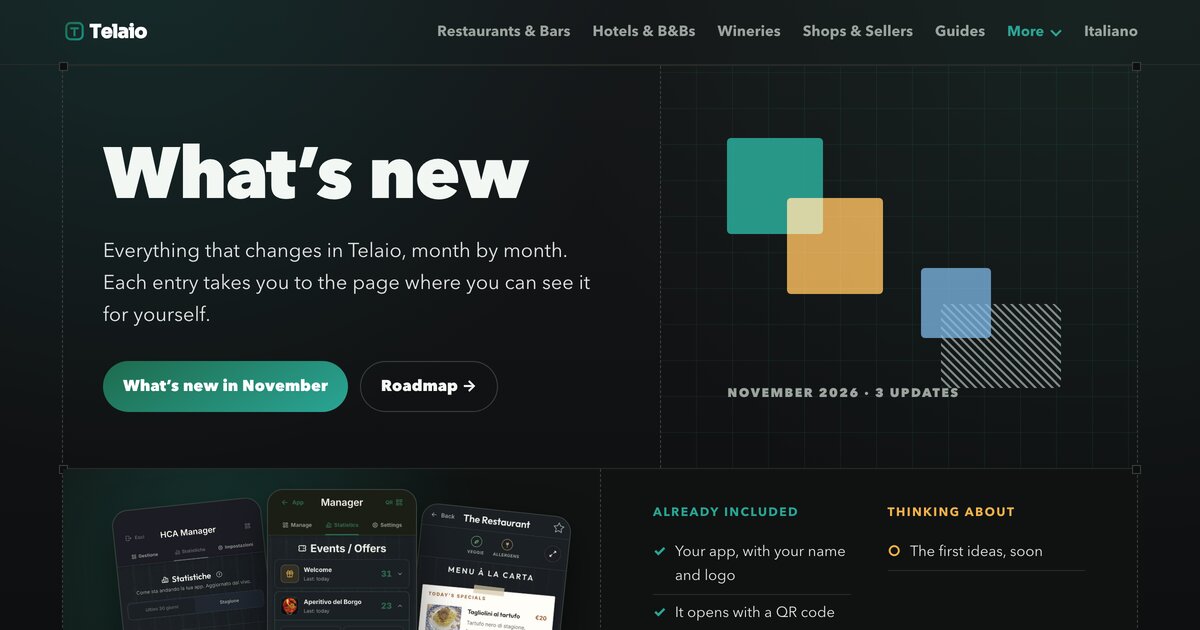
Go to the home page →Everything that changes in Telaio, month by month. Each entry takes you to the page where you can see it for yourself.
What's new for your sector, on its own page · «Add to Home Screen» on iPhone: the right steps for every version · Event and offer cards display text cleanly
Read it all →What Telaio does today, for every kind of business, and what we are thinking of adding.
See the roadmap →The date is the day the change reached every client’s app.
The home page and the pages for restaurants, hotels, wineries and shops now show the three latest What's new articles for that kind of business and for everyone.
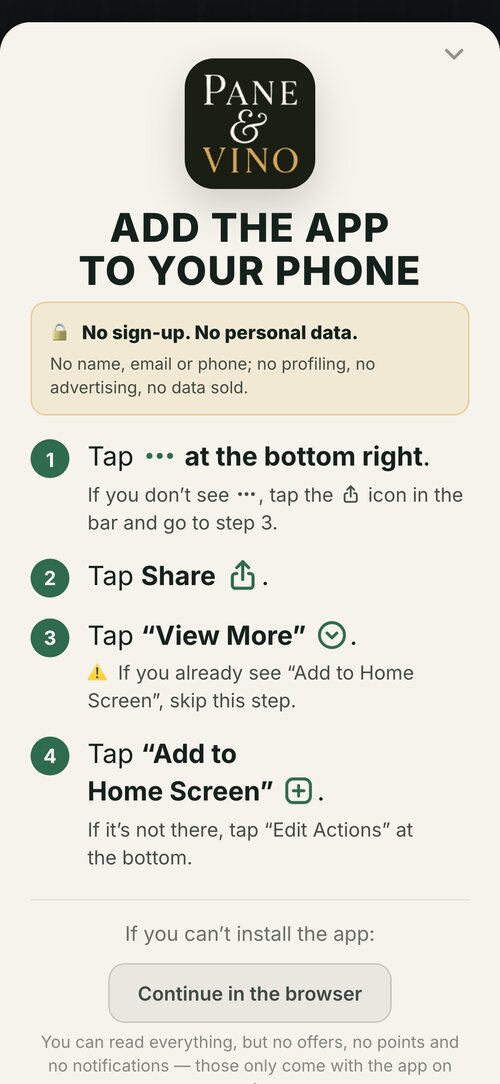
Go to the home page →The instructions for adding the app to the Home Screen now match the version of Safari the guest is using. Safari 26 users see the four steps that Safari shows today; everyone else sees the steps that work for their version.
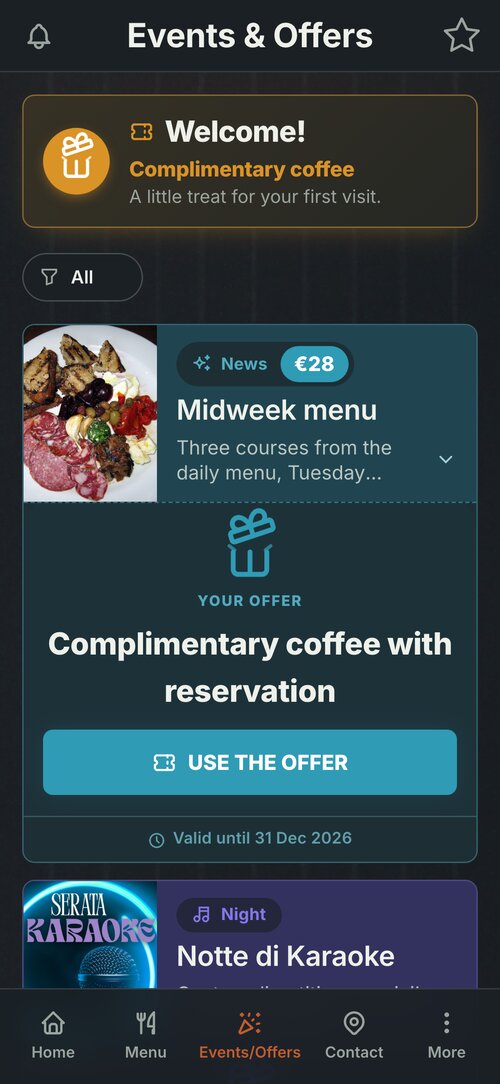
Read the article →In the events and offers list, each card now shows two lines of description with the photo at its normal height. The full text is there when the guest opens the card.
A guide for hotels and B&Bs: how to use the app to answer guests' questions, show your services, and cut down on calls.
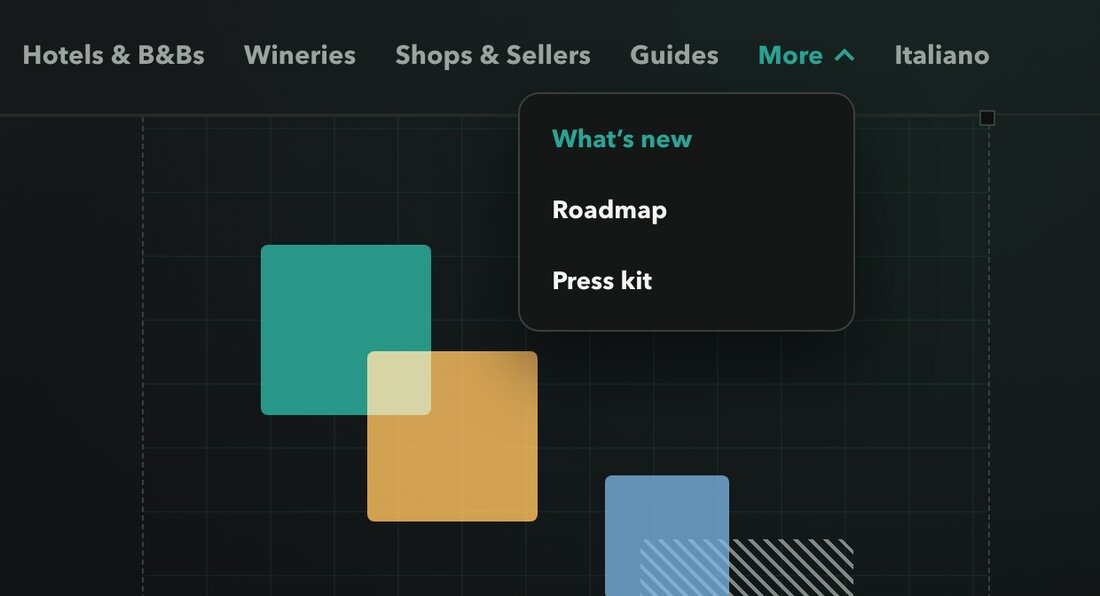
Read the guide →Every page now has the same top menu, with What’s new, Roadmap and Press under «More», and a footer with the guides, the sectors and the contacts.
Visit the site →You can now see everything that has changed, month by month, and what we are building next.
See what's new →
The app icon sits on the left, the QR on the right: the signature is cleaner and easier to recognise. Your stats now show how many times it has been scanned.
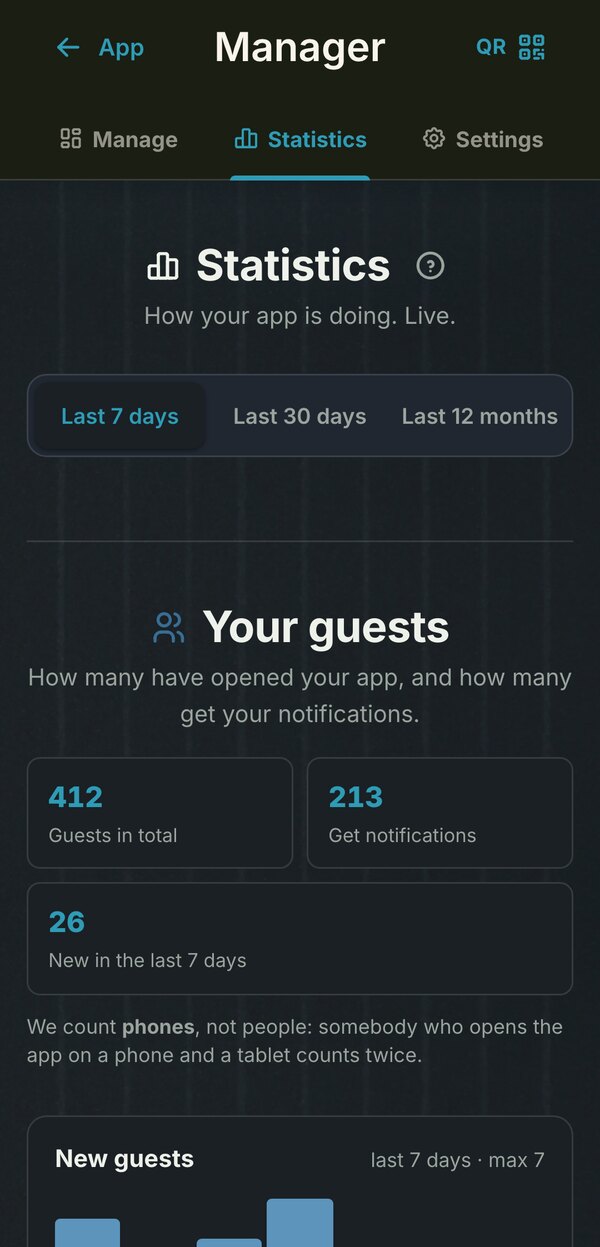
Alongside 30 days and 12 months you now have the past week. The period bar stays fixed at the top as you scroll, and switching periods is instant.
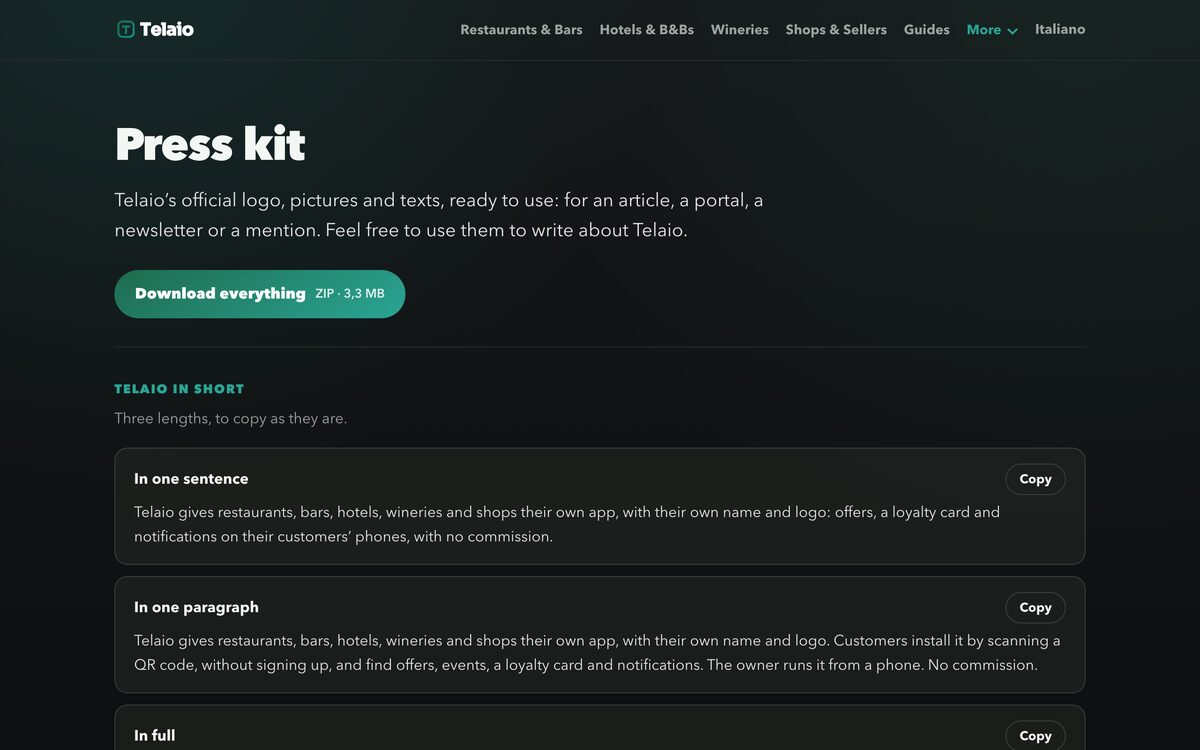
Logo, images, screenshots and official texts, ready for an article or a portal. Everything available in a single file to download, too.
Open the press area →When the offer is a fixed price or a discount, you write what it includes or what it applies to: customers read it under the offer and know at once what they get, in every language of the app.
Read the article →The printed pieces come out as PDFs with the logo as a vector: sharp at any size, from the business card to the A5 sheet.
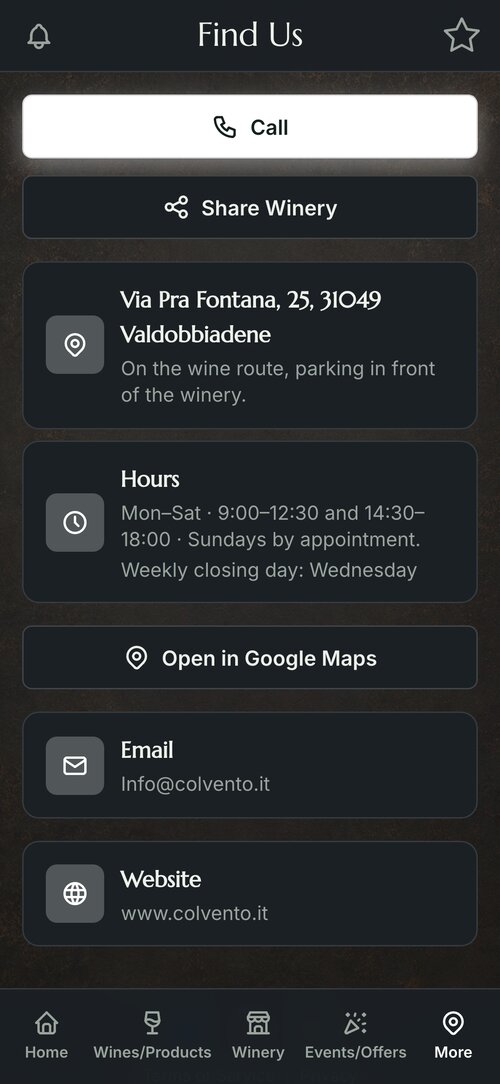
The app for restaurants and bars →Guests see the opening hours and the weekly closing day. Every item in the app can have its own «Programme / more info».
Read the article →While you upload, a bar shows how much is left, in MB. If something goes wrong, there is «Try again».
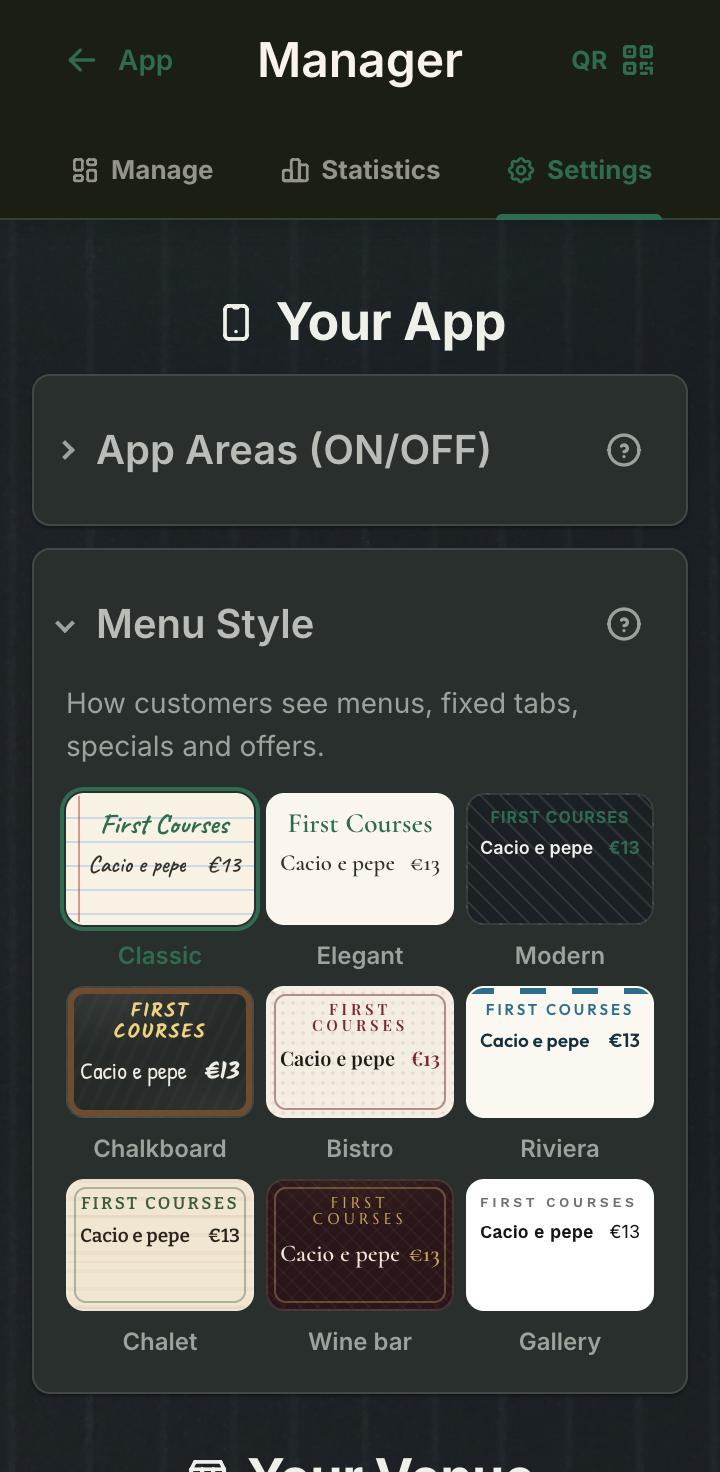
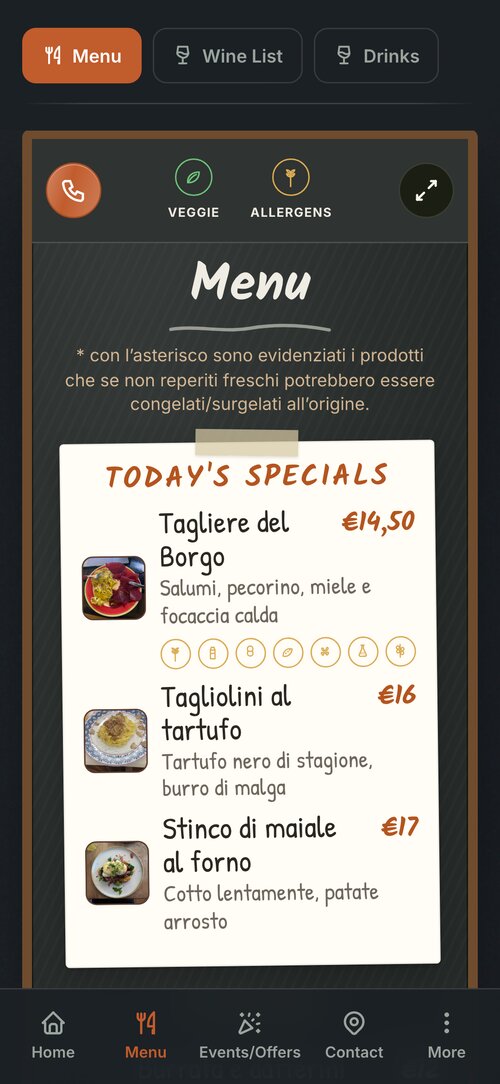
How the app is made →The owner picks the look of the menu from six new styles. The dishes stay the same; only the outfit changes.
Read the article →A round button next to the menu, to book with one tap. It shows when the venue has a phone number.
Read the article →