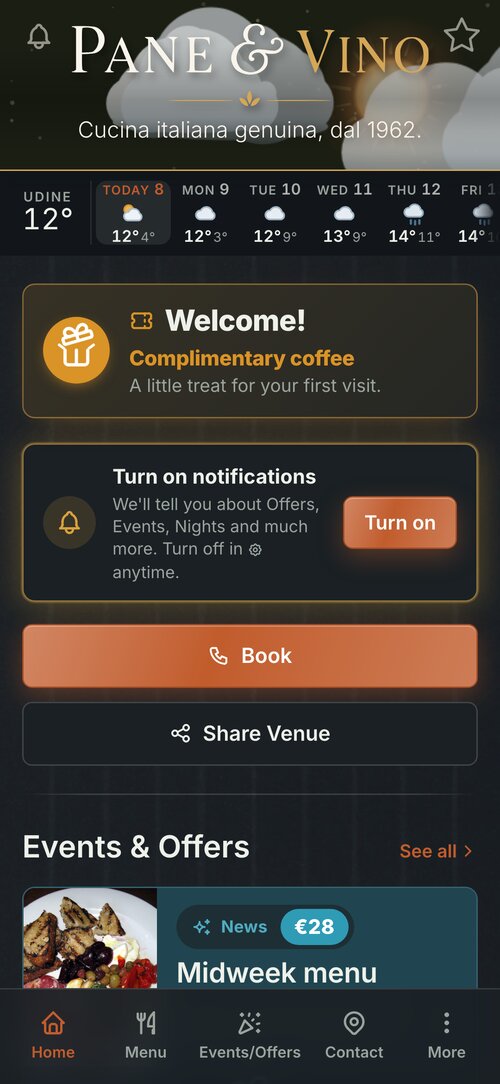
«Book», straight from the digital menu
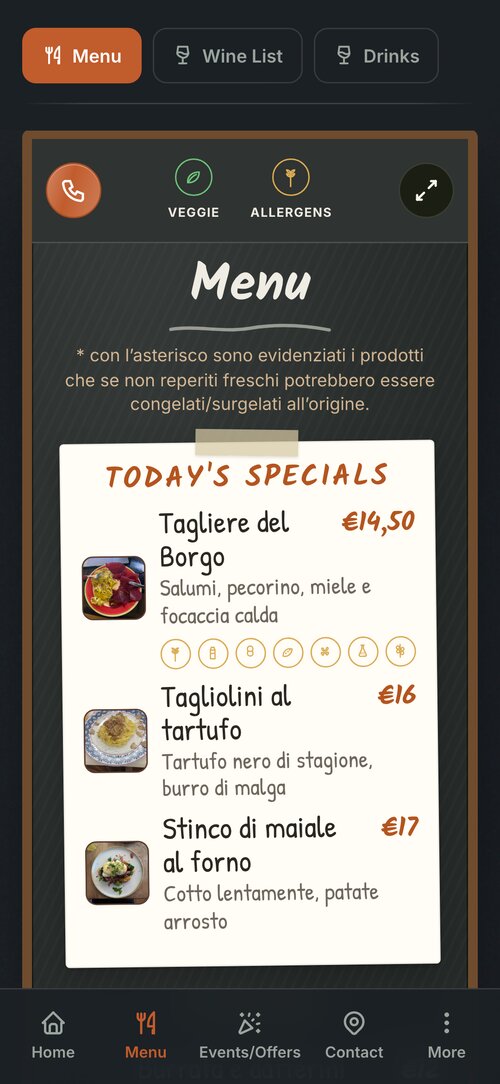
Someone reading the menu is the customer closest to booking. So at the top of the digital menu there is a round button with a phone: one tap and the call to your venue starts.
Where it is
At the top left of the menu sheet, next to the Veggie and Allergens filters. While the customer scrolls through the dishes, the strip stays at the top, and the button with it.
Full screen too
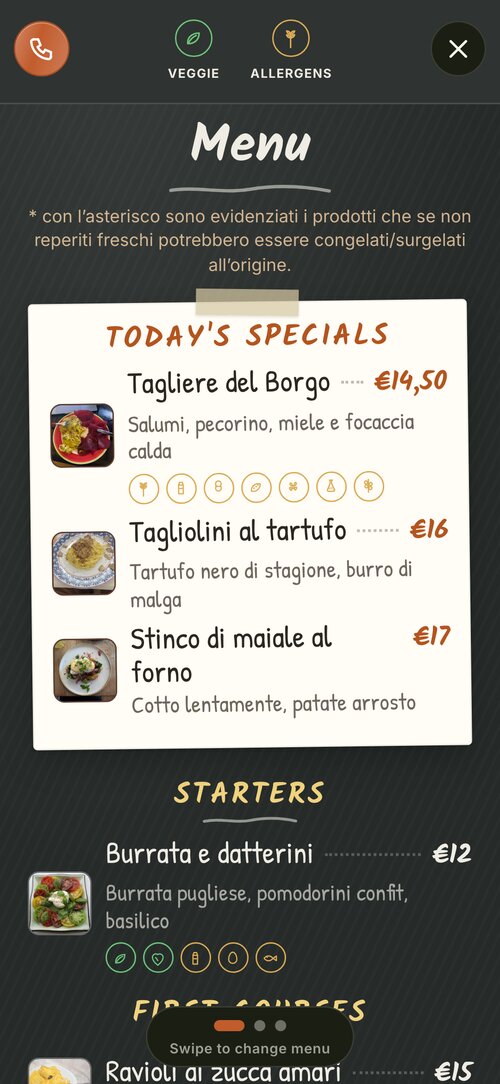
When the menu opens full screen, the button stays there, level with the X that closes it.
What a tap does
It calls your venue's number: the same as the «Book» button on the Home screen, in the same colour. No form to fill in, no extra app.
And you don't need to do anything: if the app already has your venue's phone number, the button appears by itself; without a number it does not show. It is there for restaurants, bars and mountain lodges, where the menu is on a sheet.