Automatic offers say what they include
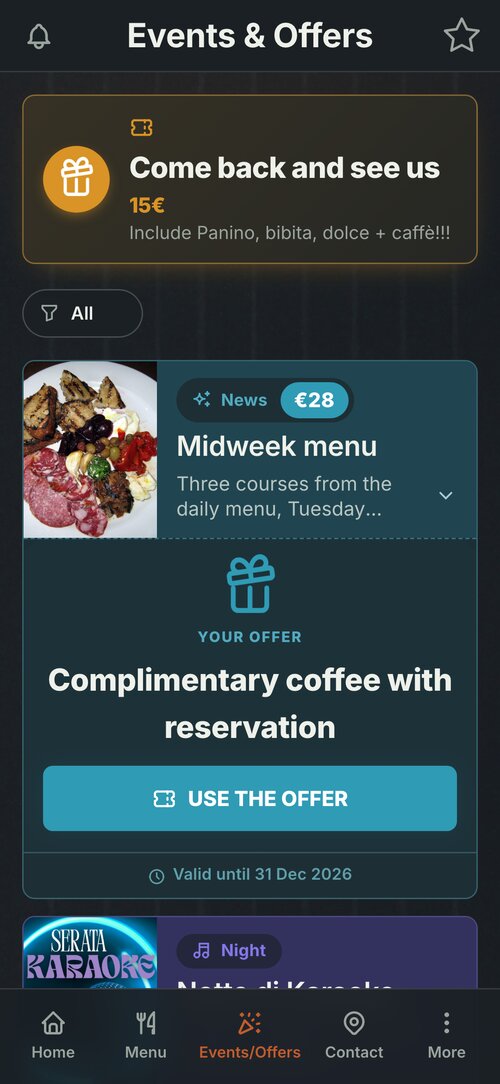
Your venue's app has two offers that arrive by themselves: «Welcome», for someone opening the app for the first time, and «Come back and see us», for someone who has already been. When they are a fixed price or a discount, they also say what they include, so nobody wonders «€15 for what?».
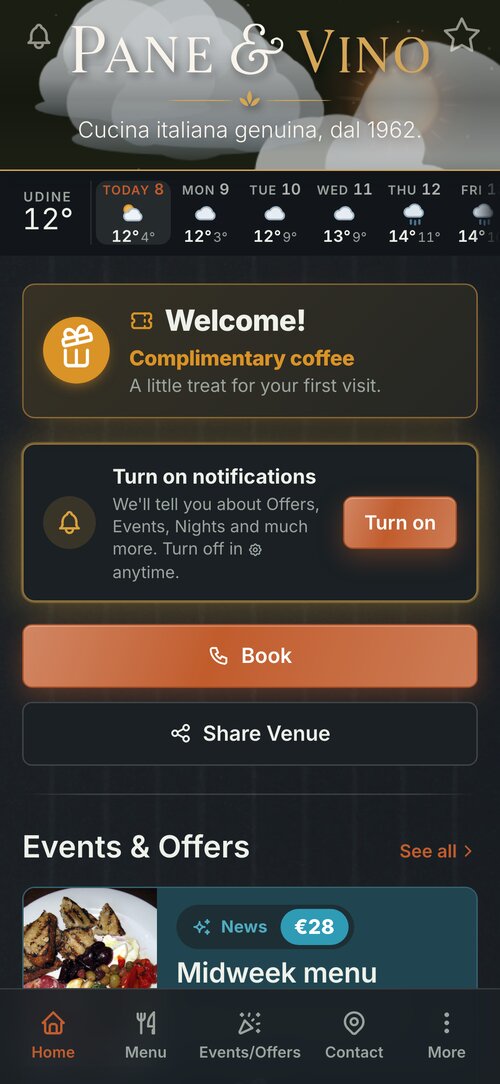
Welcome, on the first visit
Someone opening the app for the first time finds the «Welcome» at the top: on the Pane&Vino demo it is a complimentary coffee. A free item explains itself, so that is enough.
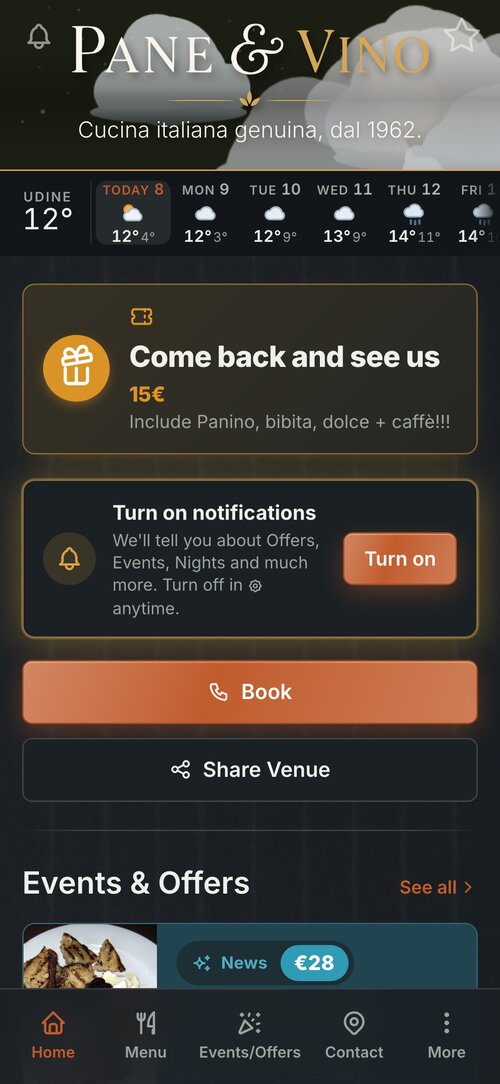
Come back and see us, from the next visit
Once the Welcome has been used, «Come back and see us» takes its place: straight away, after a day or after a week, as you choose. Here it is a fixed price, €15, with the line underneath that says what it includes.
Where you write it
In the Manager, under Your Marketing › Automatic Offers. With a fixed price there is the «What it includes» box, to fill in; with a discount there is «On what», if you want. A free item or free text needs neither: the offer is already in words.
In every language
With «Translations» you write the same line in the app's other languages, and each customer reads it in theirs. If you don't translate it, they read it as you wrote it, as in these screens, where the demo's line is still in Italian.
In Events & Offers too
The same offer appears at the top of Events & Offers, with the same line, and again when the customer taps «Use the offer» to redeem it.